Why Website Speed Matters: Maximizing Performance with WebP Images
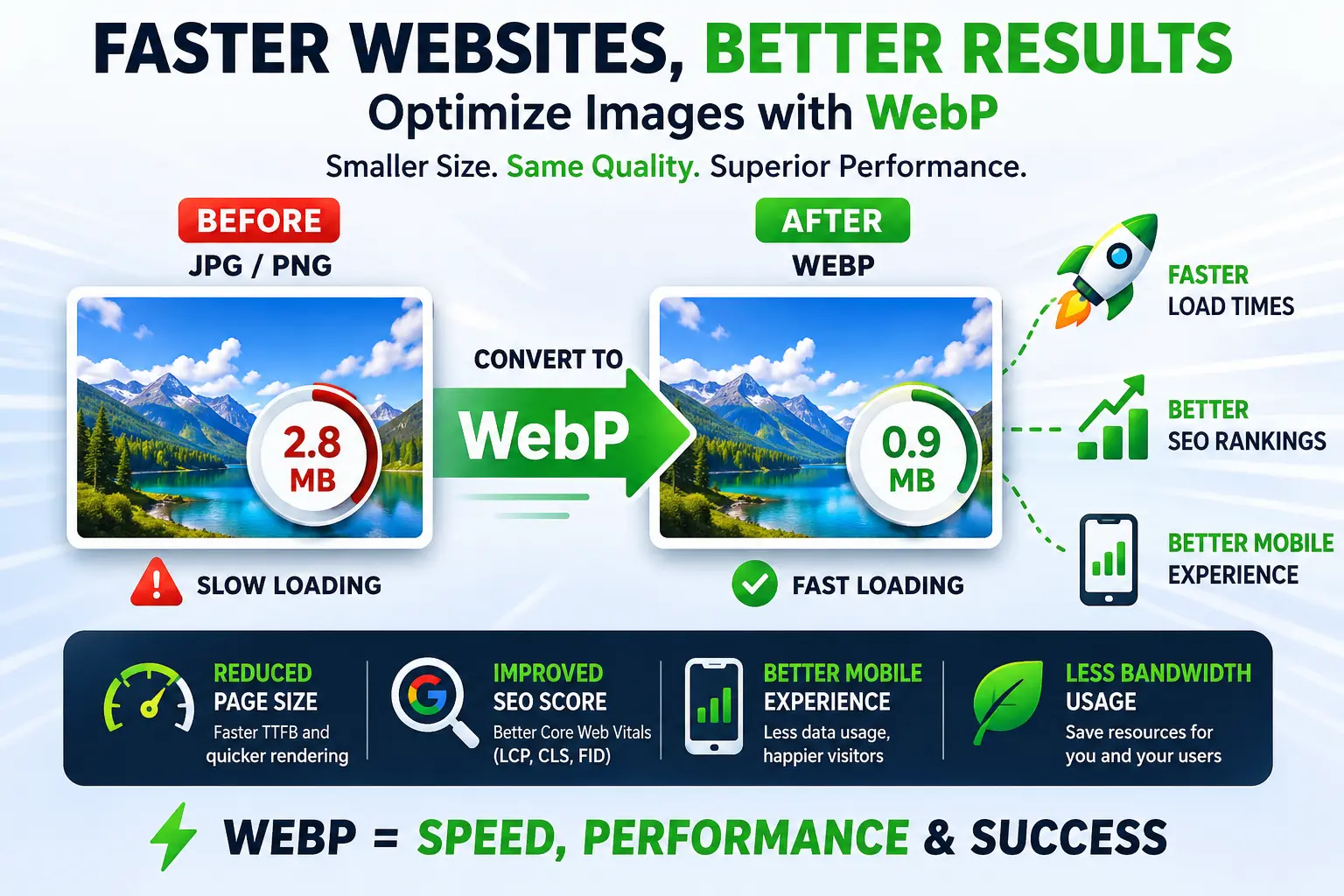
In the modern digital landscape, user attention is a scarce commodity. When visitors land on your website, they expect an instantaneous experience. Studies show that even a one-second delay in page load time can lead to a significant drop in conversions, increased bounce rates, and a poor user experience. Search engines like Google have long factored page speed into their ranking algorithms, making technical site optimization a cornerstone of any successful SEO strategy.
Among the various components that contribute to heavy page weight, unoptimized images are almost always the primary culprit. High-resolution graphics, promotional banners, and product screenshots add megabytes of unnecessary data that mobile and desktop users must download before a page becomes fully interactive. Balancing visual appeal with technical performance is a constant challenge for developers and site owners alike.
The Solution: Embracing Next-Gen Image Formats
To address this challenge without sacrificing visual quality, modern web development relies heavily on next-gen image formats. Developed by Google, the WebP format provides superior lossless and lossy compression for images on the web. By switching to WebP, webmasters can drastically reduce file sizes—often by 25% to 35% compared to traditional JPEG and PNG files—while maintaining identical visual fidelity.
Reducing file sizes directly translates to faster load times, improved Core Web Vitals metrics (specifically Largest Contentful Paint, or LCP), and less bandwidth consumption for both your server and your visitors. Implementing this optimization is one of the highest-impact, lowest-effort actions you can take to boost your technical SEO rankings and keep users engaged longer.
How to Upgrade Your Infrastructure Easily
Transitioning your existing media library to this modern standard does not require complex automated server scripts or advanced command-line tools. If your source files consist heavily of screenshots, transparency-focused designs, or digital graphics, you can effortlessly convert your legacy imagery by choosing to convert PNG to WebP online within seconds, which strips out heavy container data while perfectly preserving your alpha channels and crisp details.
For extensive photographic elements, blog illustrations, and heavy banner backgrounds, optimizing raw compressions yields the most noticeable speed improvements. Instead of overloading your server with uncompressed visuals, you can significantly compress your large galleries when you convert JPEG to WebP before uploading them to your CMS, ensuring your pages remain lightweight and highly responsive across all devices.
Key Performance Takeaways:
- Reduced Page Size: Smaller payloads mean faster time-to-first-byte (TTFB) and quicker rendering.
- Improved SEO Score: Google rewards pages that meet their rigorous Core Web Vitals performance thresholds.
- Better Mobile Experience: Users on cellular data networks experience significantly faster browsing speeds and less data usage.